Tamil Keyboard APK 17.6.5

- संस्करण
- 17.6.5
- आकार
- 66.2 MB
- अपडेट
- 11 अक्टू॰ 2026
- श्रेणी
- प्रोडक्टिविटी
- आवश्यक
- Android 4.4+
- Google Play
- com.clusterdev.tamilkeyboard
Tamil Keyboard is a dedicated Android application designed for smooth and effortless typing in the Tamil language.
Tamil Keyboard is a dedicated Android application designed for smooth and effortless typing in the Tamil language.
Created by ClusterDev, Tamil Keyboard offers Android users a straightforward and reliable solution for entering Tamil characters. Thanks to its clean, user-friendly interface, navigating the app and mastering its layout takes virtually no time at all.
Test Keyboards
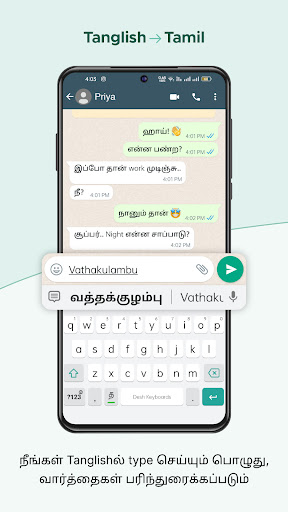
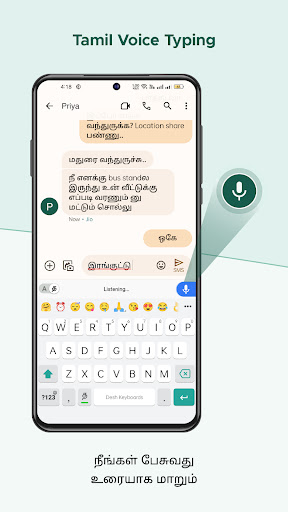
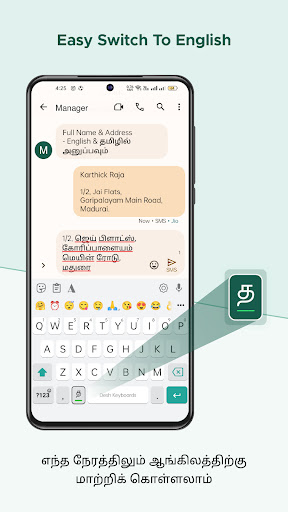
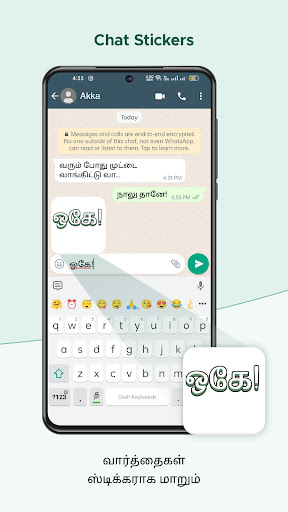
Users can write comfortably using both transliteration and phonetic input modes, eliminating the need to toggle across different keyboard layouts. On top of that, it comes packed with convenient utilities including predictive text, smart auto-correction, and gesture-based swipe typing.
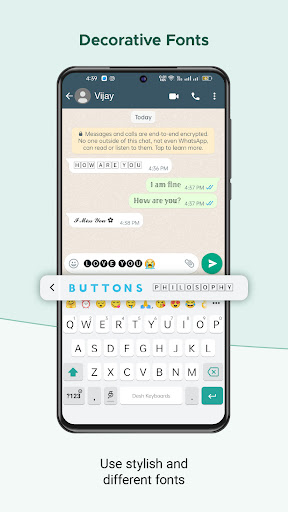
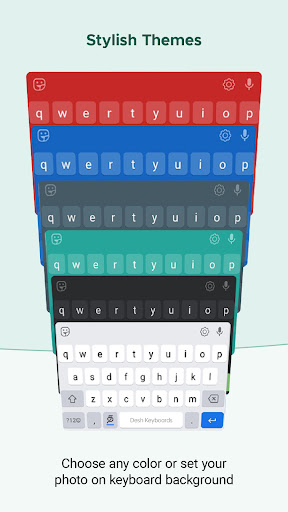
Personalization is easy with Tamil Keyboard, thanks to a rich set of customization options in the settings menu. You can tweak font colors and sizes, activate keypress haptic vibration, and build a custom personal dictionary to boost typing precision. Furthermore, the application provides over 100 pre-installed themes to completely refresh the keyboard's visual style.
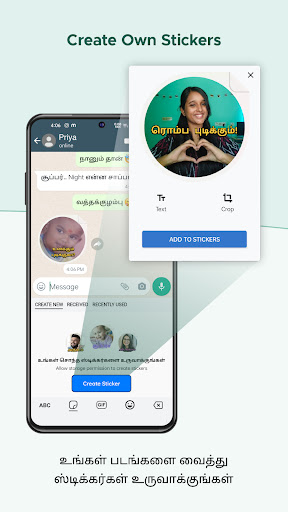
Beyond standard input features, Tamil Keyboard includes several standout extras that enhance daily usability. An integrated emoji selector lets you quickly insert smileys while texting or commenting on social media. A built-in clipboard manager streamlines copying and pasting text snippets, while customizable text shortcuts enable you to insert frequent phrases with a single tap.
In summary, Tamil Keyboard delivers everything you need for fast and accurate Tamil typing on Android, complemented by handy additions like an emoji tray and clipboard management. It stands out as a top choice for anyone looking for a seamless, hassle-free Tamil typing tool.
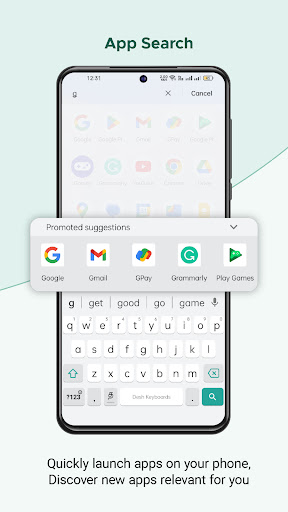
स्क्रीनशॉट:
इंस्टॉल कैसे करें
- ऊपर दी गई APK फ़ाइल फ़ोन में डाउनलोड करें।
- पूछे जाने पर “अज्ञात ऐप्स इंस्टॉल करें” की अनुमति दें।
- डाउनलोड की गई APK खोलें और इंस्टॉल दबाएँ।
- यदि OBB/XAPK डेटा है, तो साथ दिए निर्देशों का पालन करें।
MOD APK संशोधित बिल्ड होते हैं, इसलिए Play Protect चेतावनी दे सकता है। फ़ाइल पर भरोसा हो तभी इंस्टॉल करें; जोखिम आपका है।