Termux APK googleplay.2026.10.09

- Version
- googleplay.2026.10.09
- Size
- 25.7 MB
- Updated
- Oct 10, 2026
- Category
- Tools
- Requires
- Android 7.0+
- Google Play
- com.termux
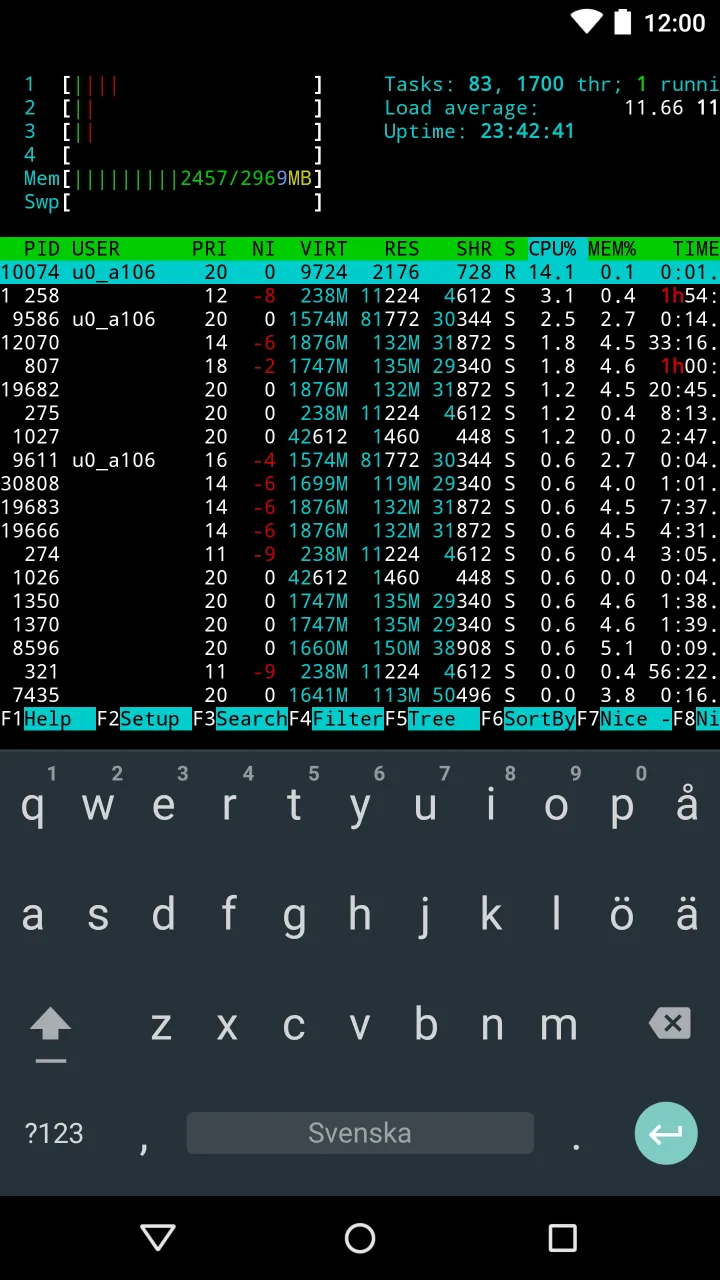
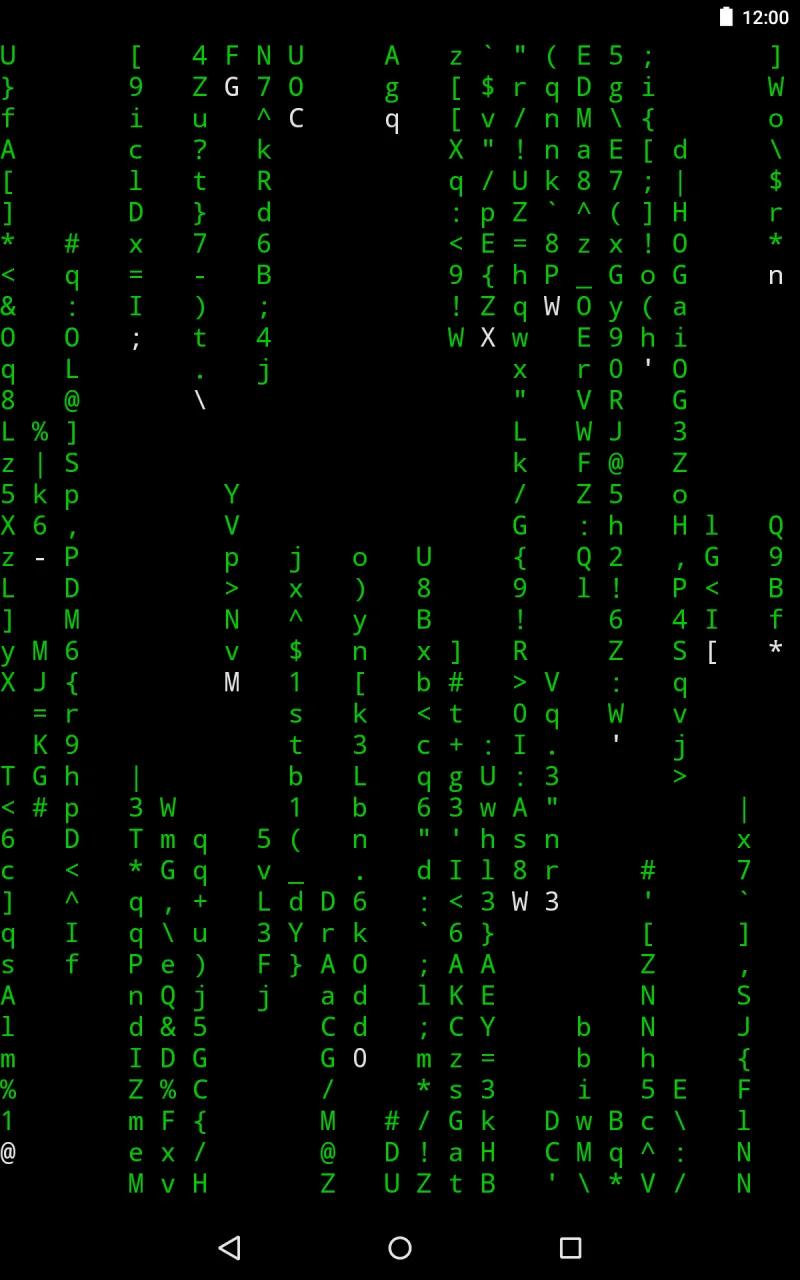
Termux brings a complete Linux command-line interface and terminal emulator directly to your Android smartphone.
Termux brings a complete Linux command-line interface and terminal emulator directly to your Android smartphone.
Designed as a standalone Linux environment and terminal emulator for Android, Termux APK runs right out of the box without requiring root permissions or complex configurations. It delivers a powerful Unix shell straight to your mobile device, granting full authority over files and installed packages.
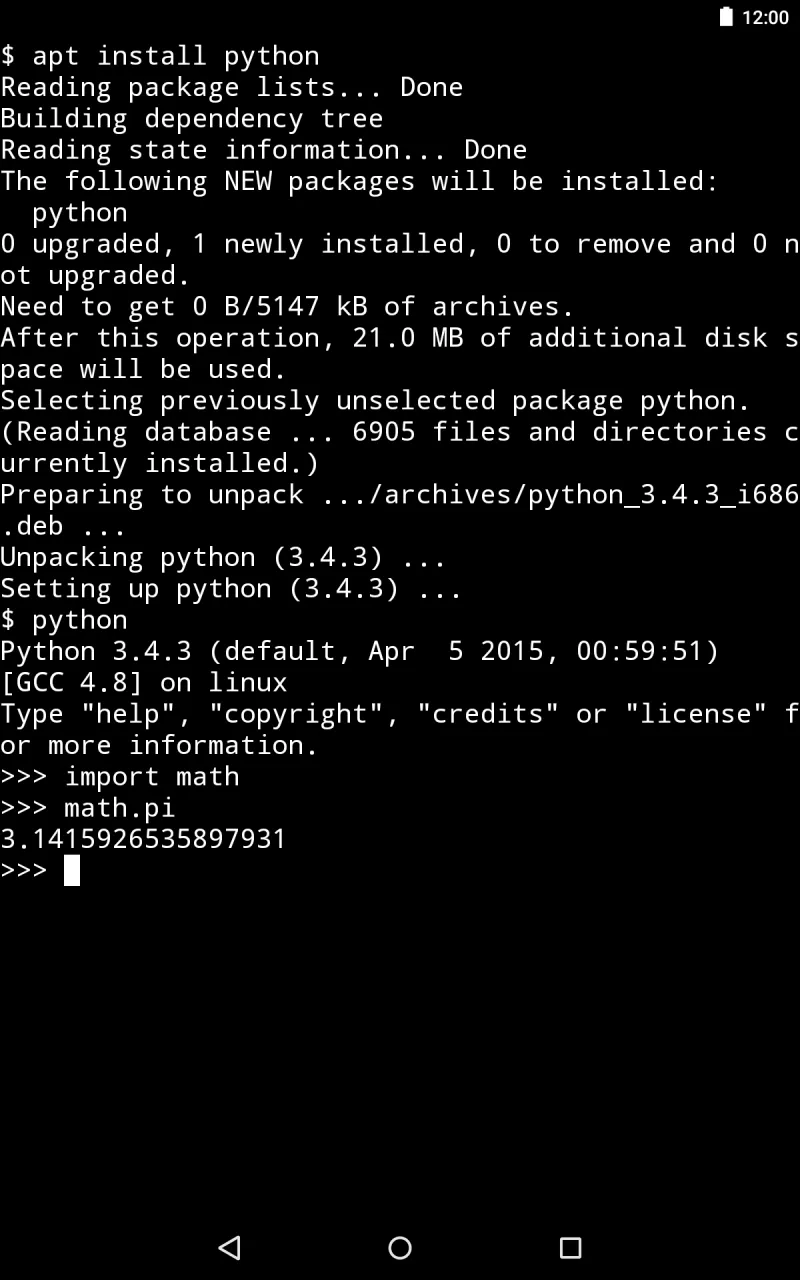
Termux lets you run essential command-line utilities like bash, python3, and git seamlessly inside a single app. You can edit scripts with the nano editor, deploy packages via the apt package manager, manage remote machines using the built-in ssh client and server, or fetch online files with wget with total ease.
Beyond its immense versatility, the app prioritizes security by operating entirely within an isolated sandbox to safeguard your personal data. Whether your goal is mastering coding in different programming languages or unlocking advanced terminal capabilities on your smartphone, Termux delivers everything you need.
Key Features of Termux for Android
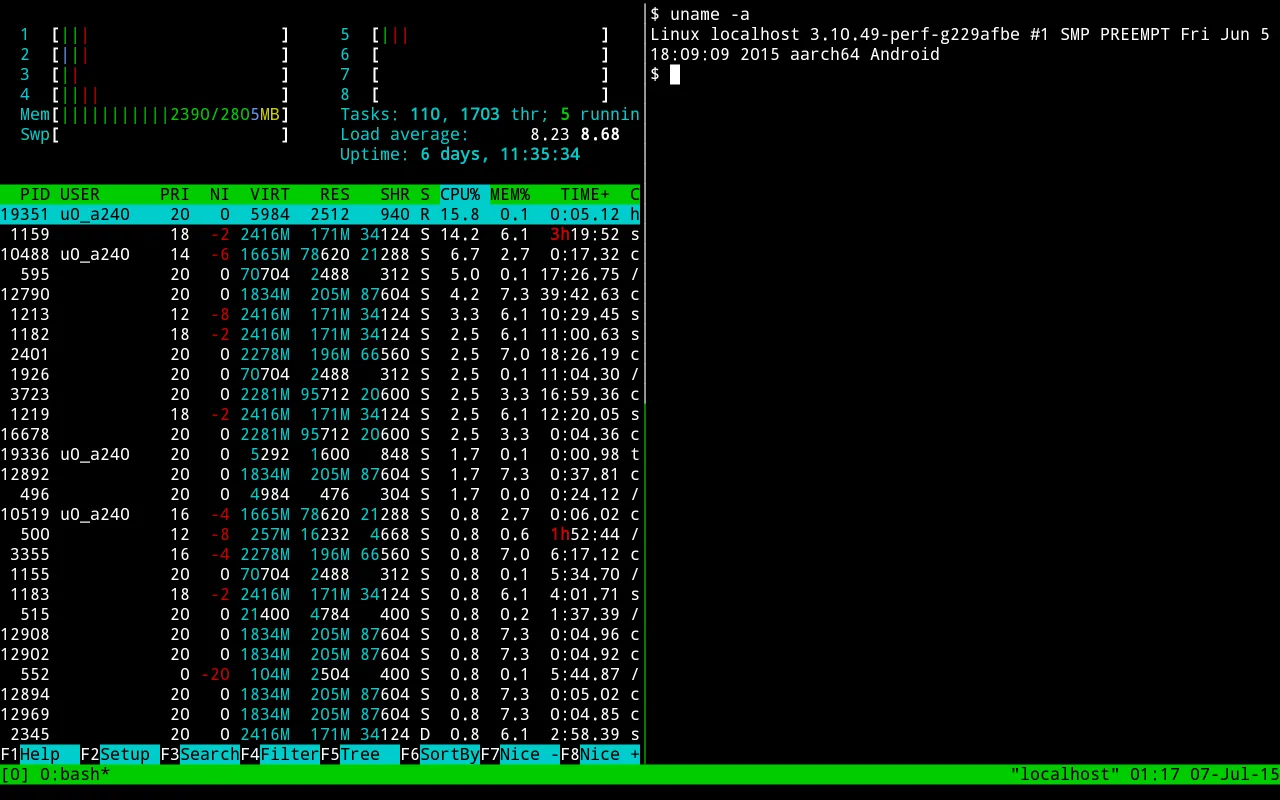
Operating smoothly without root privileges or preliminary setup, Termux brings a comprehensive Linux environment and terminal emulator to Android. Users enjoy a rich terminal setup packed with practical functionality, including remote SSH server connections, multi-session management in a single window, and customizable shell fonts and color palettes. You can also fetch Debian- and Ubuntu-compatible packages to run tools like the Vim editor and Git version control, making command-line workflows approachable even for beginners.
- Terminal Emulator: Termux equips your mobile device with a functional command-line interface through its integrated terminal environment.
- Package Management System: Featuring a sophisticated package manager with more than 200 supported packages, the app lets you quickly install numerous developer utilities and system tools.
- Customizable Interface: You can tailor the visual appearance of your console by personalizing color palettes, typography, and themes according to your liking.
- Compatible With Android 5+ Versions: Termux supports Android 5 (Lollipop) and newer releases, ensuring smooth performance even across older mobile devices.
- Supports Multiple Languages: Providing localized interfaces in languages such as English, Spanish, French, and German, the app offers an accessible experience for non-native English speakers.
- Text Editors & IDEs Support: Coders can work efficiently using built-in text editors like Nano and Vim alongside renowned development environments including Emacs and Geany directly within the console.
Pros and Cons of Termux:
Pros:
- Completely free of charge and open source.
- Fast, resource-friendly, and optimized to consume very little battery power.
- Enables straightforward installation of numerous Linux packages, such as bash and ssh, using the apt package manager.
- Provides seamless execution of various GNU/Linux commands on Android without requiring root access or background dependencies.
- Allows extensive customization through community plugins, scripts, and visual themes sourced from internal repositories or GitHub.
- Compatible with external hardware keyboards via USB OTG, delivering a superior typing and coding workflow compared to standard mobile emulators.
Cons:
- Offers a narrower feature set compared to full-fledged desktop Linux distributions.
- Unsuited for resource-heavy computing and highly demanding applications.
- Constrained storage capacity may restrict users from storing large volumes of data simultaneously.
- Certain packages might lack frequent updates or active maintenance from the developers.
- The absence of a graphical user interface (GUI) presents a steeper learning curve for newcomers unfamiliar with command-line environments.
Conclusion:
Termux APK stands out as an indispensable utility for users eager to maximize their Android device's true capabilities. It grants effortless access to system controls while putting robust, cross-platform terminal utilities right at your fingertips.
Thanks to its extensive versatility and rich feature set, Termux ranks among the premier Android terminal emulators today. Whether your needs involve simple command execution or intricate shell scripting, it bridges the power of Linux to everyday mobile users without demanding deep technical mastery.
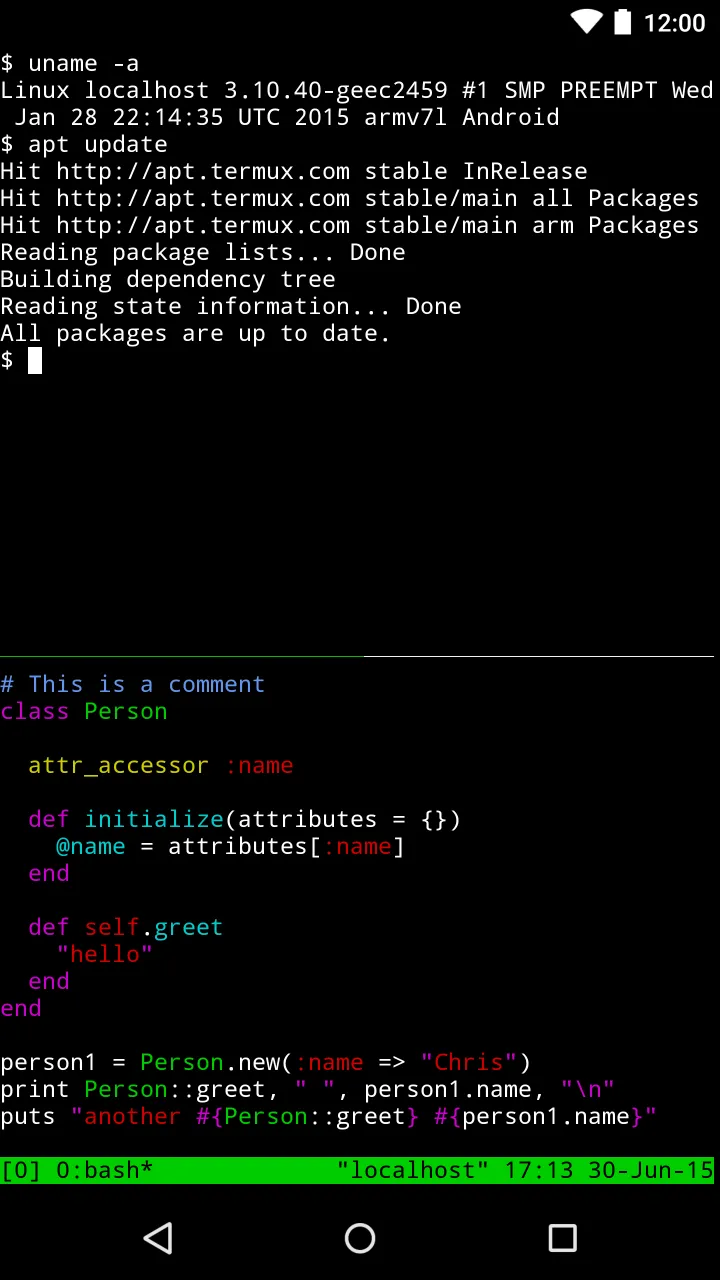
Screenshots:
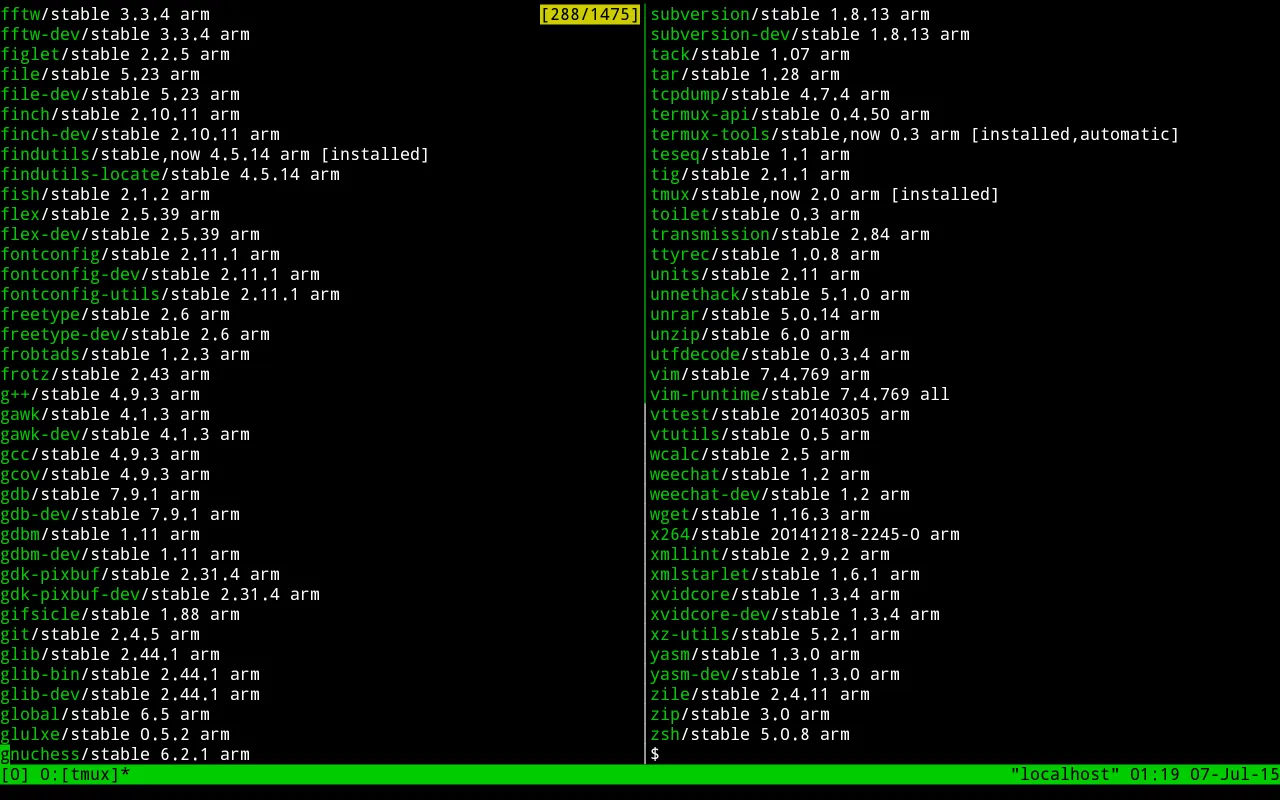
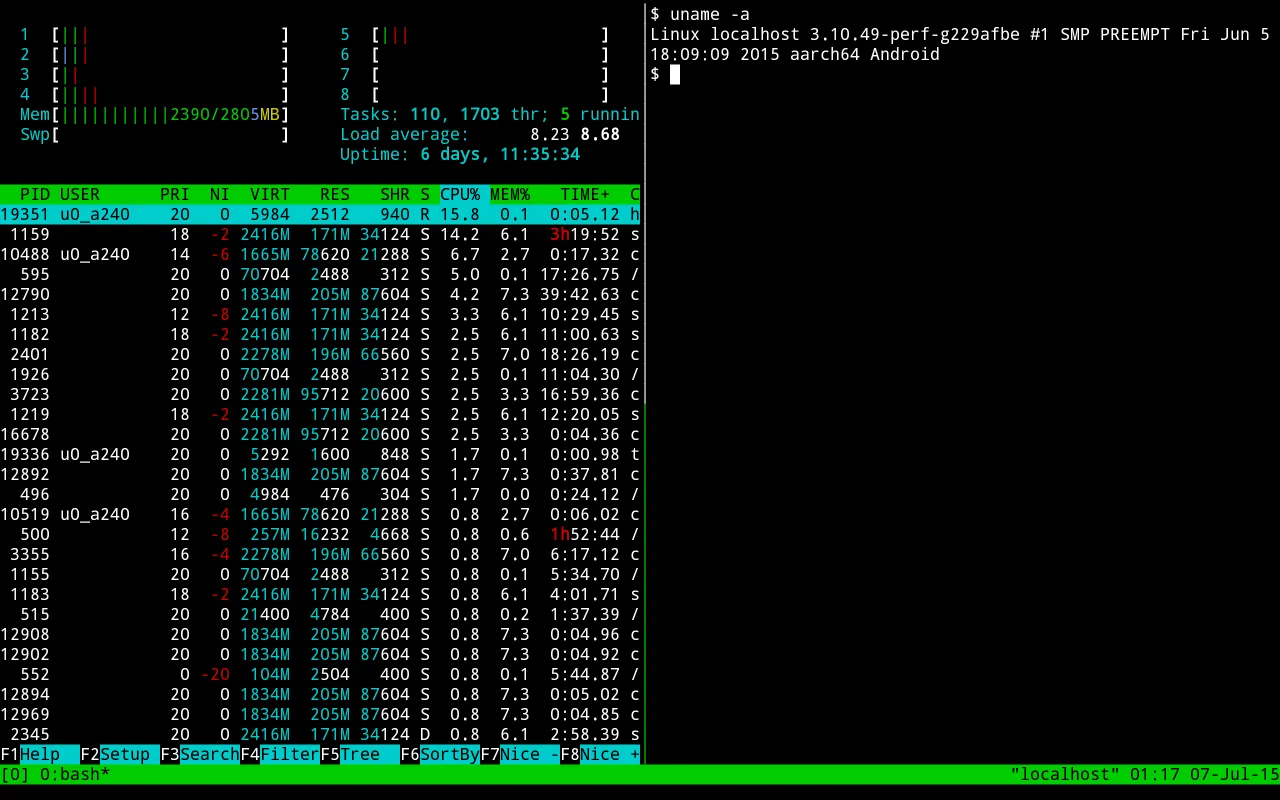
How to install
- Download the APK file above to your phone.
- Allow “Install unknown apps” when prompted.
- Open the downloaded APK and tap Install.
- If the package includes OBB/XAPK data, follow the bundled instructions.
MOD APKs are modified builds, so Play Protect may show a warning. Install only if you trust the file; use at your own risk.