SmartThings APK 1.8.52.23

- Version
- 1.8.52.23
- Size
- 237.9 MB
- Updated
- Oct 17, 2026
- Category
- Tools
- Requires
- Android 9.0+
- Google Play
- com.samsung.android.oneconnect
SmartThings is a home automation application that enables users to manage, track, and secure their residence remotely from any location.
SmartThings is a home automation application that enables users to manage, track, and secure their residence remotely from any location.
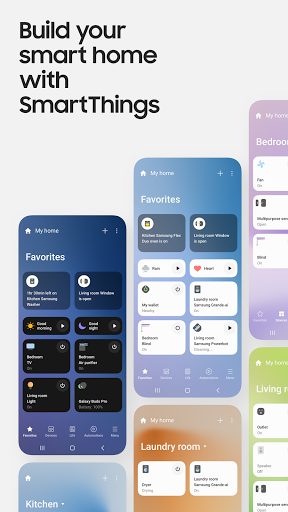
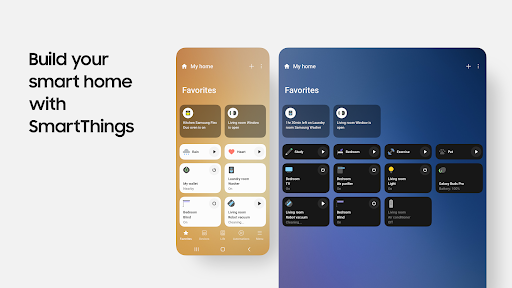
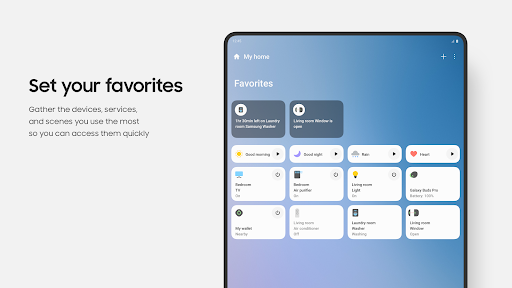
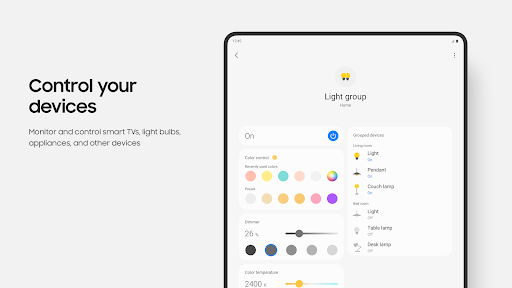
Developed by Samsung, SmartThings is an Android app that lets users manage and monitor their home appliances remotely. The app also serves as a hub for integrating various smart devices, including lights, locks, thermostats, cameras, and more. By using the SmartThings app on your smartphone or tablet, you can effortlessly control all connected devices from a single centralized platform.
Get Android Phones
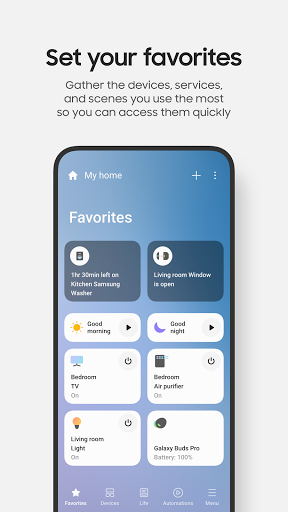
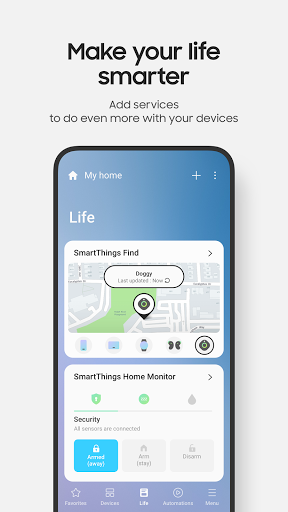
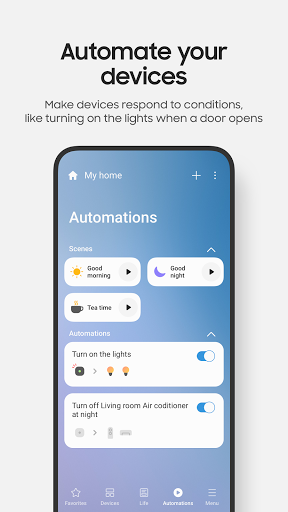
The SmartThings app provides a user-friendly interface for monitoring all connected devices in your home. You can instantly view device statuses and easily adjust settings when necessary. The app also delivers real-time notifications for system issues or available updates. Additional functionalities include scheduling tasks, configuring routines, and automating actions based on predefined conditions.
Beyond individual device control, the SmartThings app lets you design custom scenes that synchronize multiple devices. For instance, a 'Good Morning' scene could activate lights in the living room and kitchen while playing music through connected speakers.
A standout feature is the app's compatibility with third-party services such as Amazon Alexa and Google Assistant, enabling voice-activated control of your smart home without needing to open the SmartThings app manually.
SmartThings is a robust solution for managing home automation, ensuring seamless operation even when you're away. The app's package ID is ‘com.samsung.android.oneconnect’.
Screenshots:

How to install
- Download the APK file above to your phone.
- Allow “Install unknown apps” when prompted.
- Open the downloaded APK and tap Install.
- If the package includes OBB/XAPK data, follow the bundled instructions.
MOD APKs are modified builds, so Play Protect may show a warning. Install only if you trust the file; use at your own risk.