Meitu APK 12.20.2

- Version
- 12.20.2
- Size
- 300.1 MB
- Updated
- Oct 12, 2026
- Category
- Photography
- Requires
- Android 6.0+
- Google Play
- com.mt.mtxx.mtxx
Meitu: Unleash Your Creativity With Pro Beauty and Photo Editing Tools
Meitu: Unleash Your Creativity With Pro Beauty and Photo Editing Tools
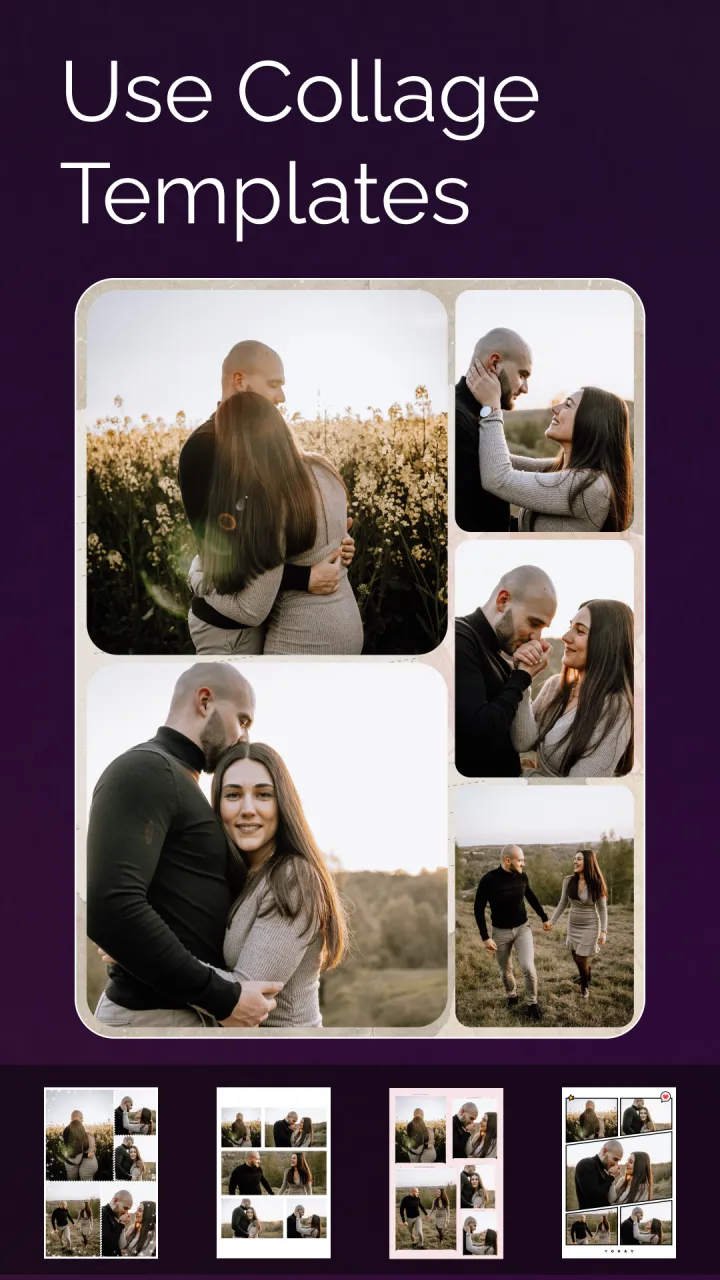
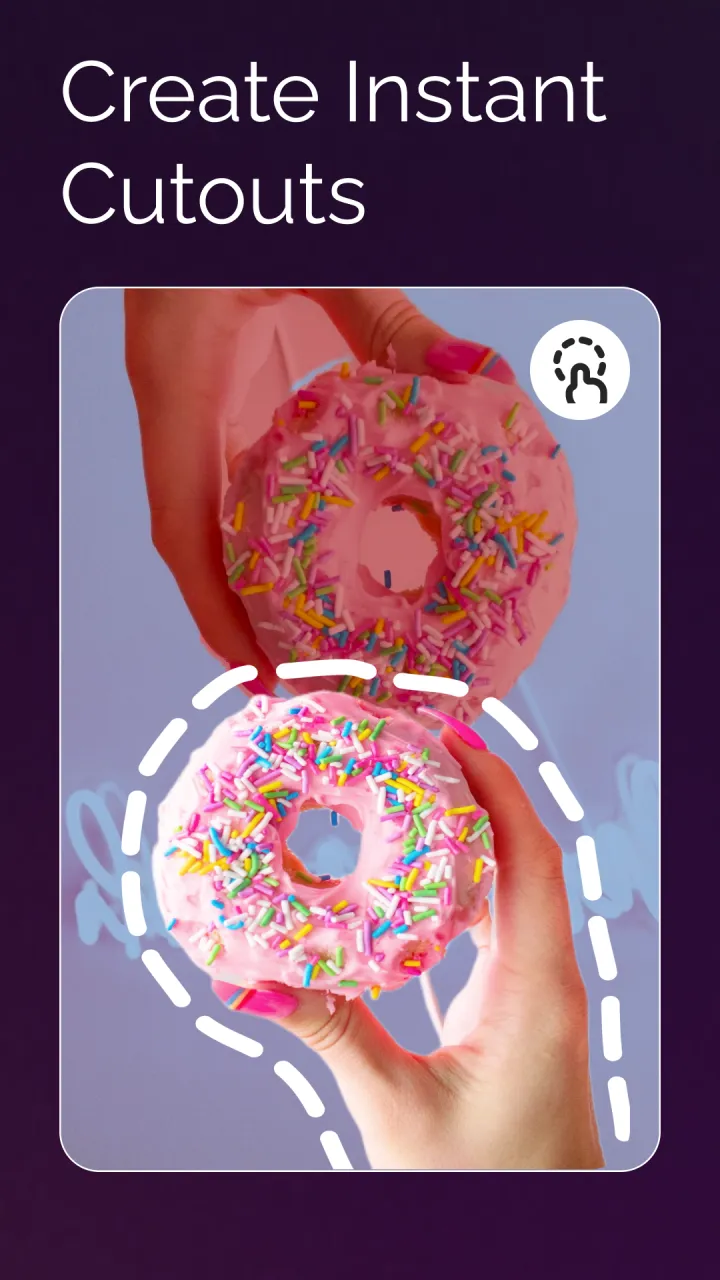
Meitu APK for Android serves as an advanced photo editor and beauty enhancer designed to turn everyday snapshots into striking visual masterpieces. Packed with versatile tools, this all-in-one app lets you apply stylish filters, eye-catching effects, borders, and creative overlays with just a couple of taps on your screen.
Try Editing Apps
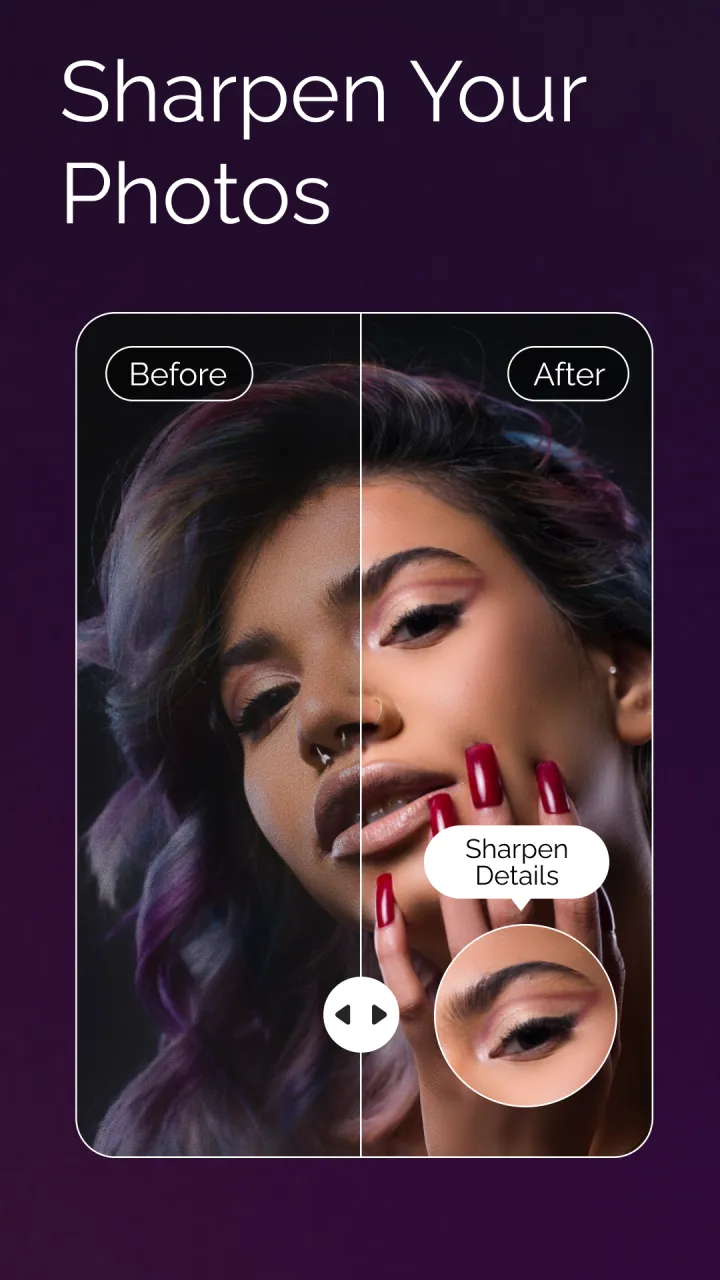
In addition, Meitu boasts intelligent facial detection that pinpoints details like eyes and lips with remarkable accuracy. Users can take advantage of retouching utilities to balance lighting, tweak brightness, and refine skin tones, while exploring an expansive collection of playful stickers featuring holiday themes and animated characters.
Even better, the application preserves your edits in crisp high definition, ensuring your final images look sharp and vibrant regardless of when the shot was originally taken. Whether you need a speedy portrait retouch before posting online or a comprehensive artistic makeover, Meitu APK puts all the essential tools right at your fingertips!
Key Features of Meitu for Android
Meitu for Android is a cutting-edge picture editing suite crafted to elevate your mobile photography. Equipped with an impressive selection of artistic filters, decorative frames, and visual effects, the app enables you to produce breathtaking graphics in mere moments. From delicate beauty polishes to bold visual transformations, it caters to every editing style!
Try Editing Apps
- Smart face detection maps your facial structure in 3D to deliver remarkably authentic visual effects.
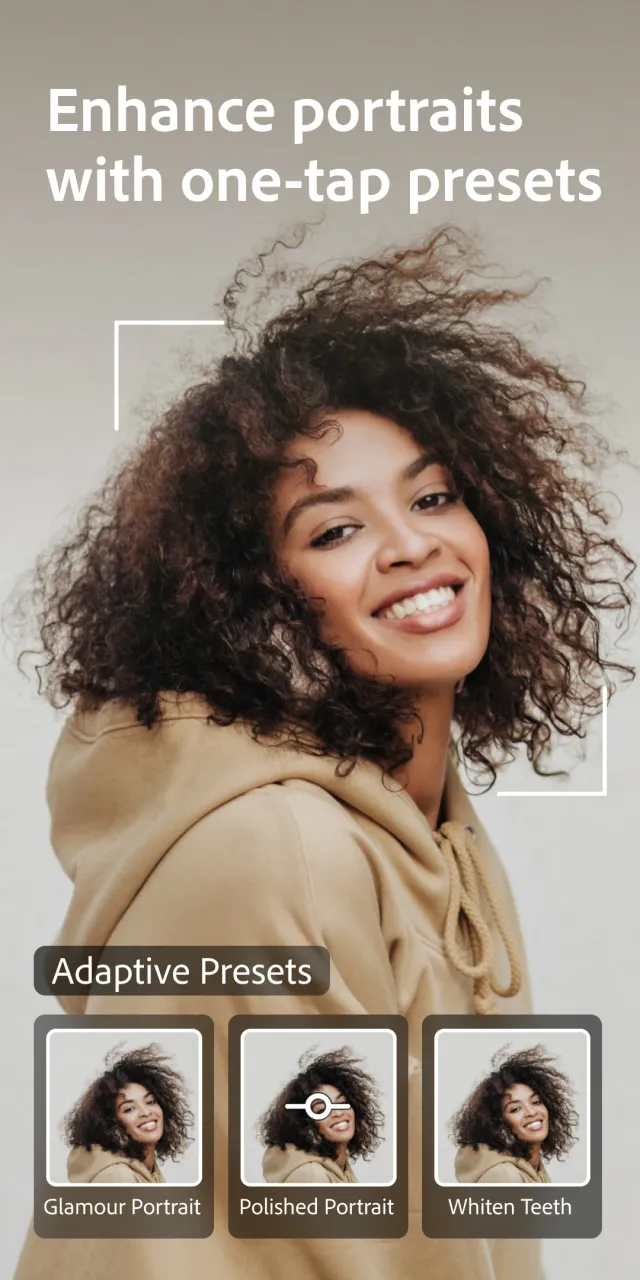
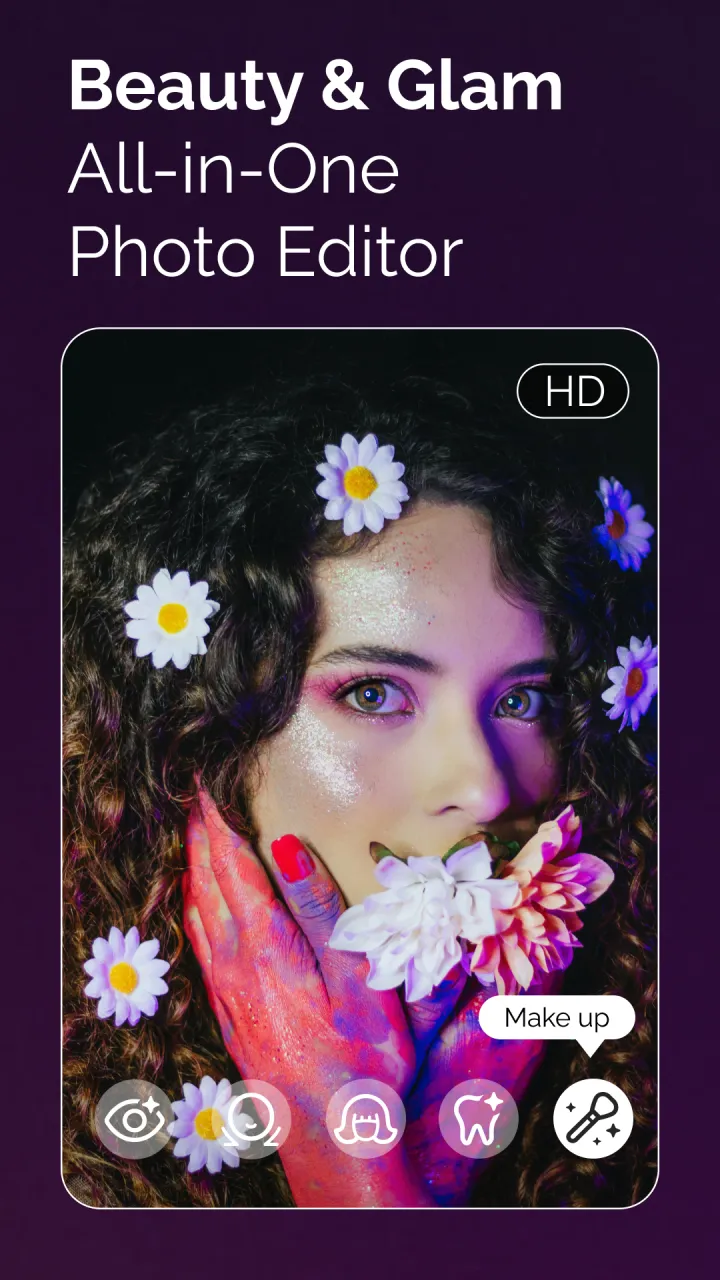
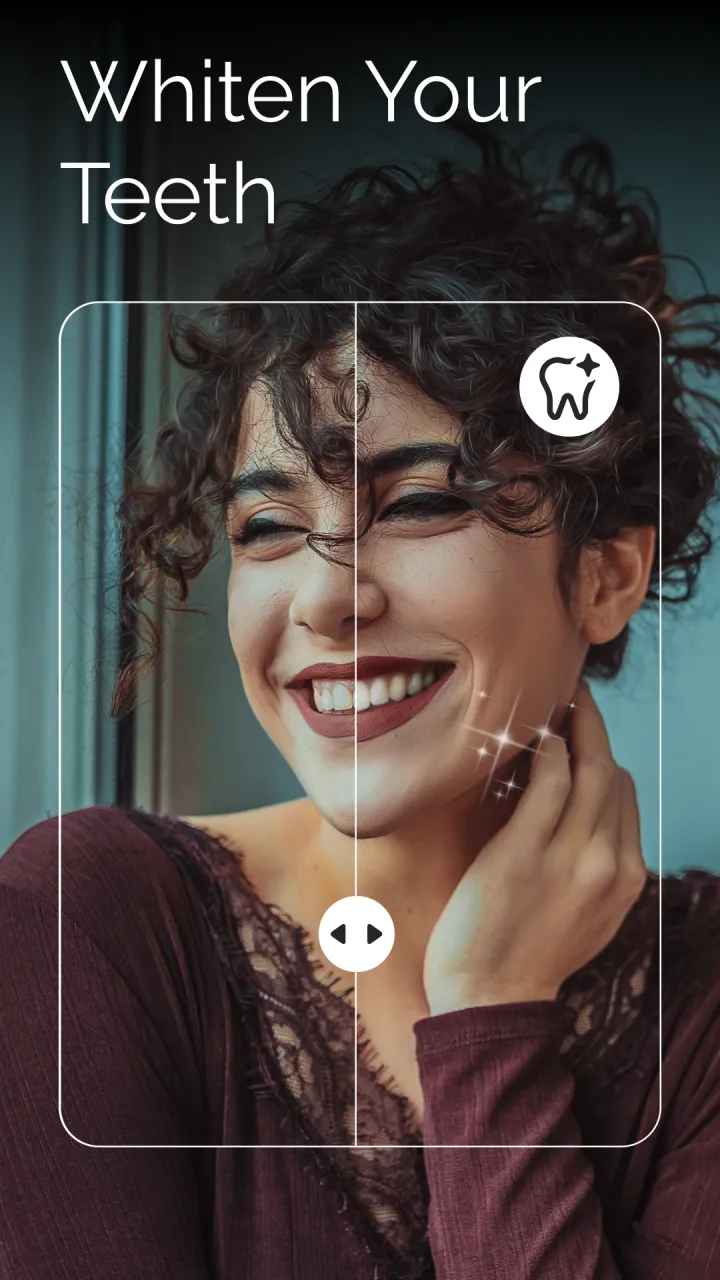
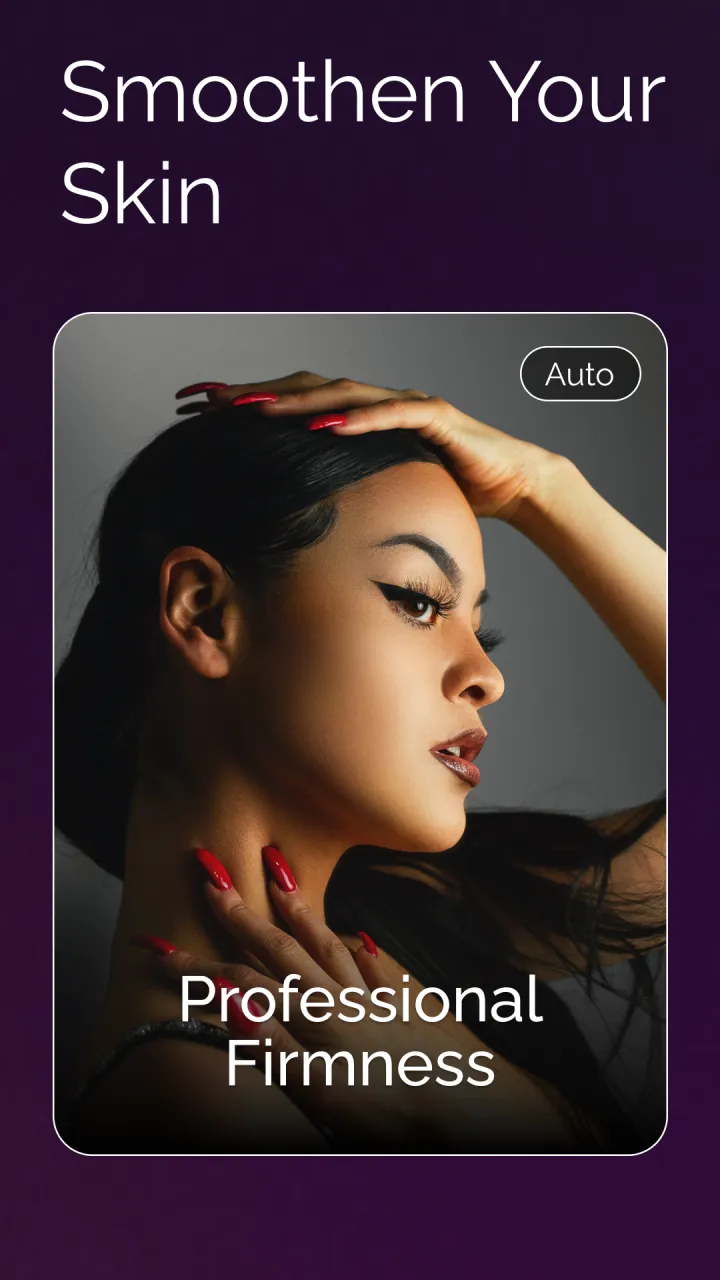
- Includes a complete set of beauty adjustments, such as teeth whitening, eye enlarging, and skin smoothing, to upgrade your selfies and camera shots.
- Features upwards of 200 virtual makeup looks and accessories, ready to preview live through the camera lens or apply directly to gallery photos.
- Delivers essential photo adjustments including image cropping, canvas rotation, and brightness or contrast balancing for both existing snapshots and photos taken with the integrated Meitu camera.
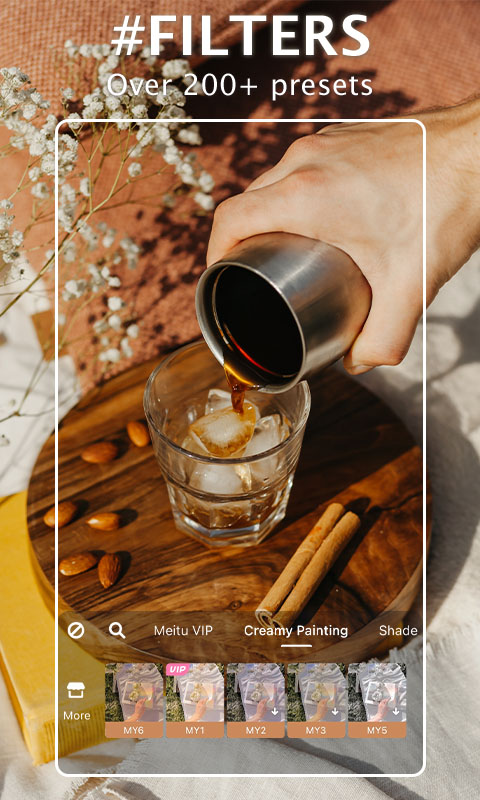
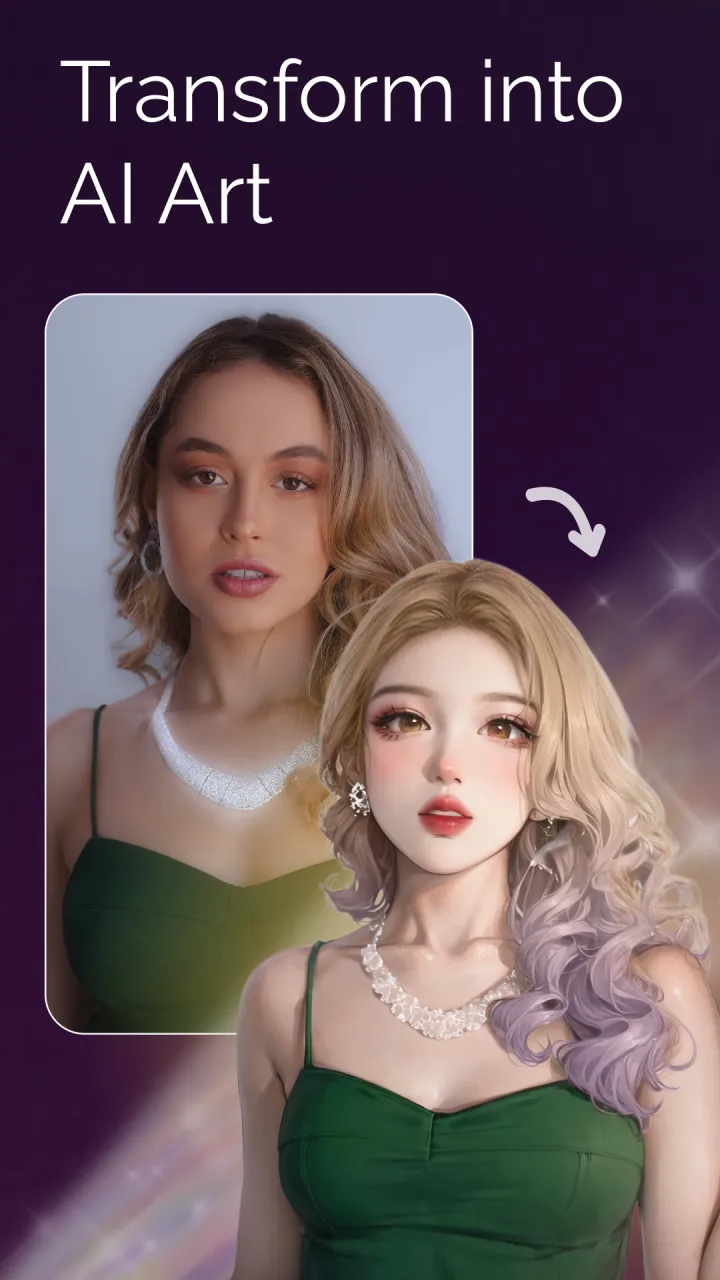
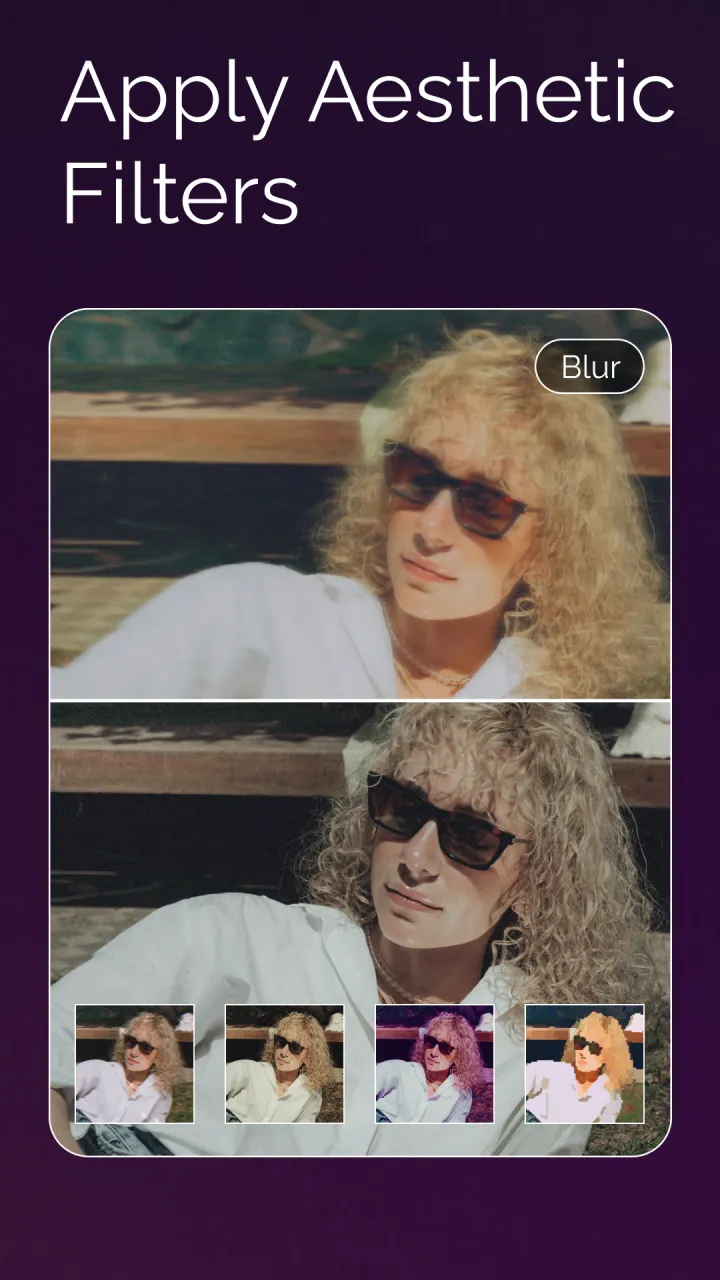
- Comes packed with dozens of stylized presets, granting access to more than 50 distinct visual aesthetics from retro film photography to contemporary digital art.
- Enables creators to overlay custom text captions using a diverse font collection, personalized color palettes, and a wide assortment of expressive stickers and emoticons.
Pros and Cons of Meitu
Pros
- Intuitive layout that makes navigation smooth and effortless.
- Packed with robust photo modification and retouching utilities.
- Extensive selection of creative filters, borders, and decorative stickers for personalized editing.
- Wide spectrum of portrait enhancement options, including skin brightening and smoothing.
- Available in several languages such as English, Simplified and Traditional Chinese, Korean, and more.
- Direct sharing functionality to quickly publish finished pictures across social networks.
Cons
- Unverified third-party packages might harbor harmful software that risks system security and personal data.
- Demands numerous system permissions, raising potential privacy and tracking concerns.
- Certain premium features are locked behind in-app purchases, which can become costly over time.
- Demanding system resource usage may result in noticeable battery consumption during editing sessions.
Frequently Asked Questions About Meitu for Android
Welcome to our GameModApk FAQ section for Meitu APK! Boasting over one billion downloads worldwide, Meitu stands out as a premier photo editor and portrait tool. With its versatile features, designing eye-catching images takes just a few moments on any Android phone or tablet. Below, we address common questions to help you get started quickly and unlock everything this powerful app has to offer.
Q: What is Meitu APK?
A: Meitu APK is a versatile, free picture retouching and editing application designed for Android smartphones and tablets. Packed with robust creative tools—such as stylish filters, visual effects, and frames—it lets you effortlessly transform everyday snapshots into eye-catching masterpieces. Thanks to its clean layout and beginner-friendly navigation, anyone can elevate their mobile photography instantly without spending money on complex desktop software.
Q: How do I begin using the Meitu app on Android?
A: Setting up the application takes just a moment! Grab the APK file from GameModApk for your compatible Android device running OS 4.4 or higher. After installation finishes, open Meitu from your home screen or app drawer, then follow the quick on-screen setup prompts. The entire process takes under five minutes, letting you dive right into crafting gorgeous visual edits!
Q: Does installing or using this app involve any extra fees?
A: No, you won't encounter any surprise charges while downloading or utilizing the core features. Every standard editing capability is provided directly out of the box, though you can simply select whichever option fits your workflow best whenever prompted during setup.
Conclusion:
Meitu APK stands out as an outstanding editing suite for refining your mobile photos and video clips. Boasting an accessible user interface alongside powerful customization utilities, it empowers creators to transform their visuals in mere minutes.
Equipped with an extensive library of artistic filters, effects, borders, and decorative stickers, it is easy to see why millions consider it a top-tier mobile photo studio. Whether you are an experienced content creator or just enjoy capturing casual moments on your phone, Meitu delivers everything you need.
Screenshots:
How to install
- Download the APK file above to your phone.
- Allow “Install unknown apps” when prompted.
- Open the downloaded APK and tap Install.
- If the package includes OBB/XAPK data, follow the bundled instructions.
MOD APKs are modified builds, so Play Protect may show a warning. Install only if you trust the file; use at your own risk.